
📊
Why Tracking Your Reading Statistics Can Help You Read More Books
Discover how tracking reading velocity, total time spent, and sharing beautiful milestone cards in Shiori builds consistent reading habits.
Read Full Article ➔Experience next-level reading and listening. Designed for readers with automatic multi-language Text-to-Speech and in-app translation.
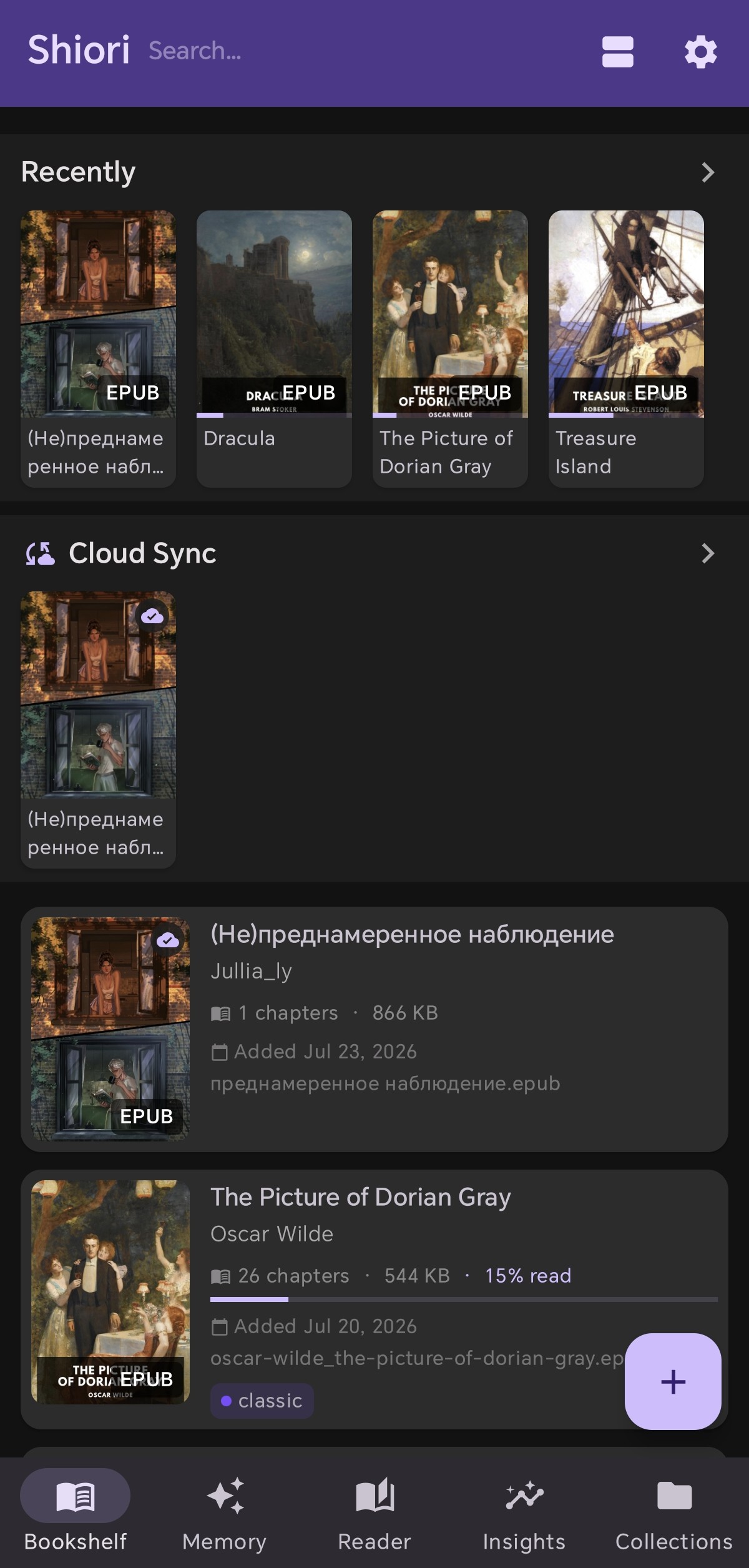

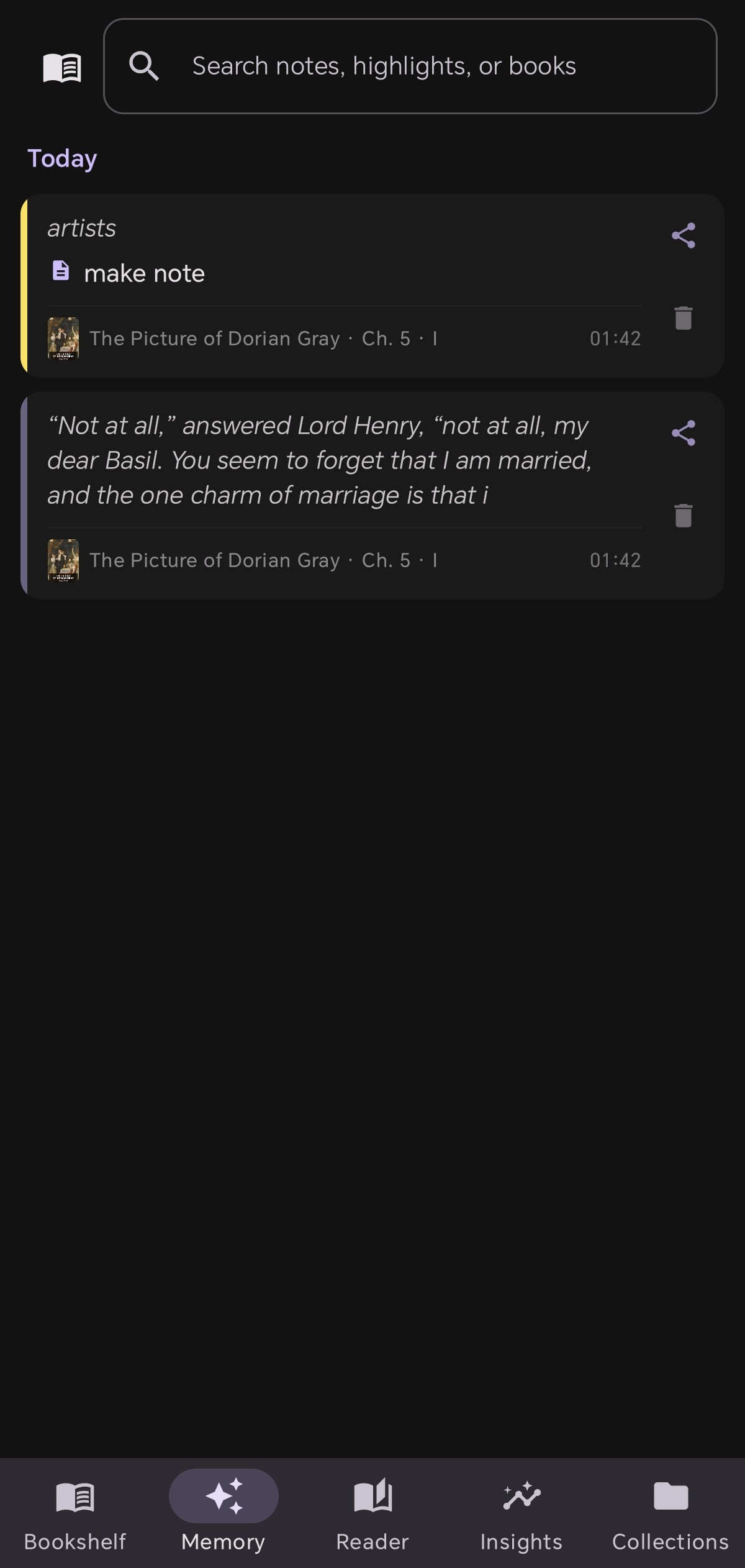
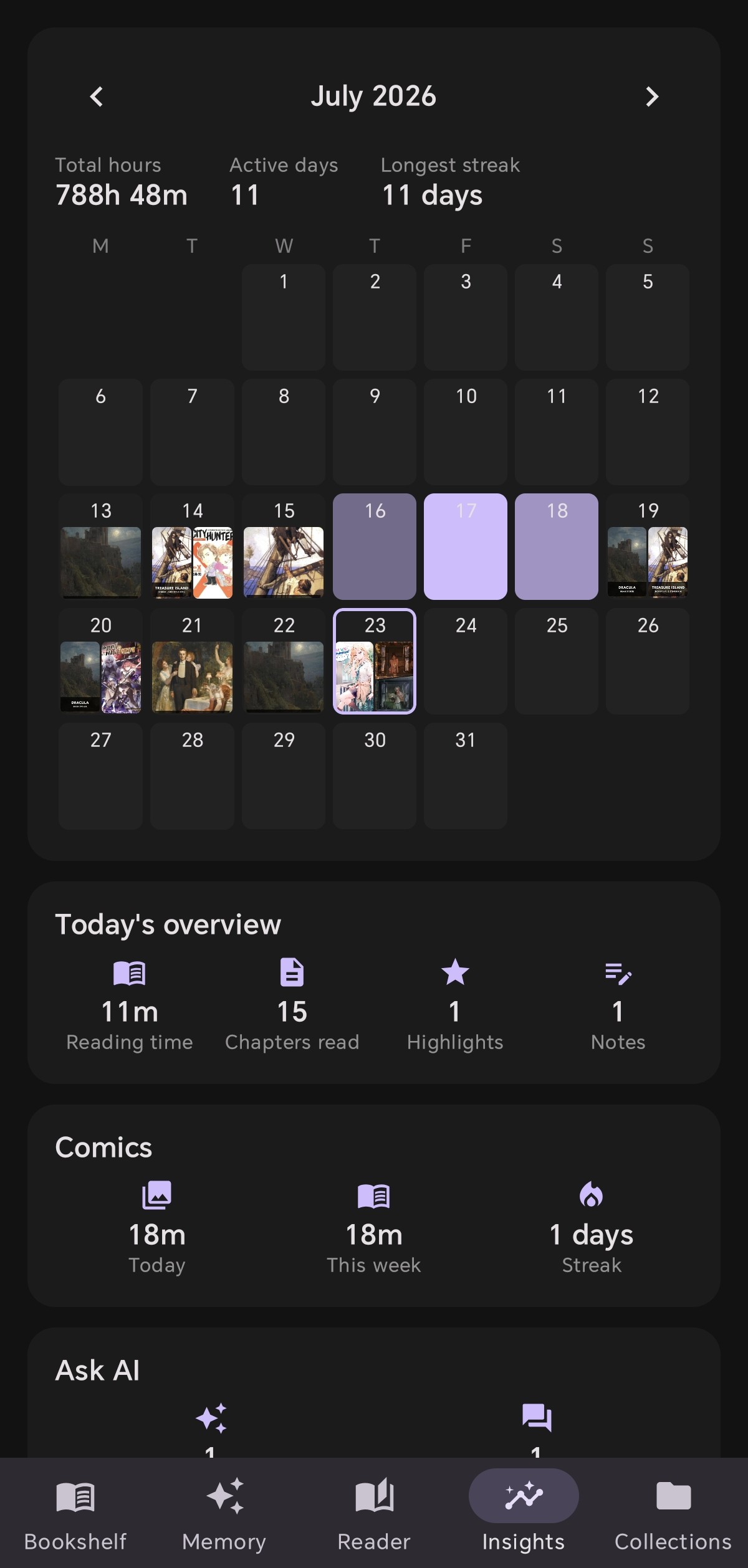
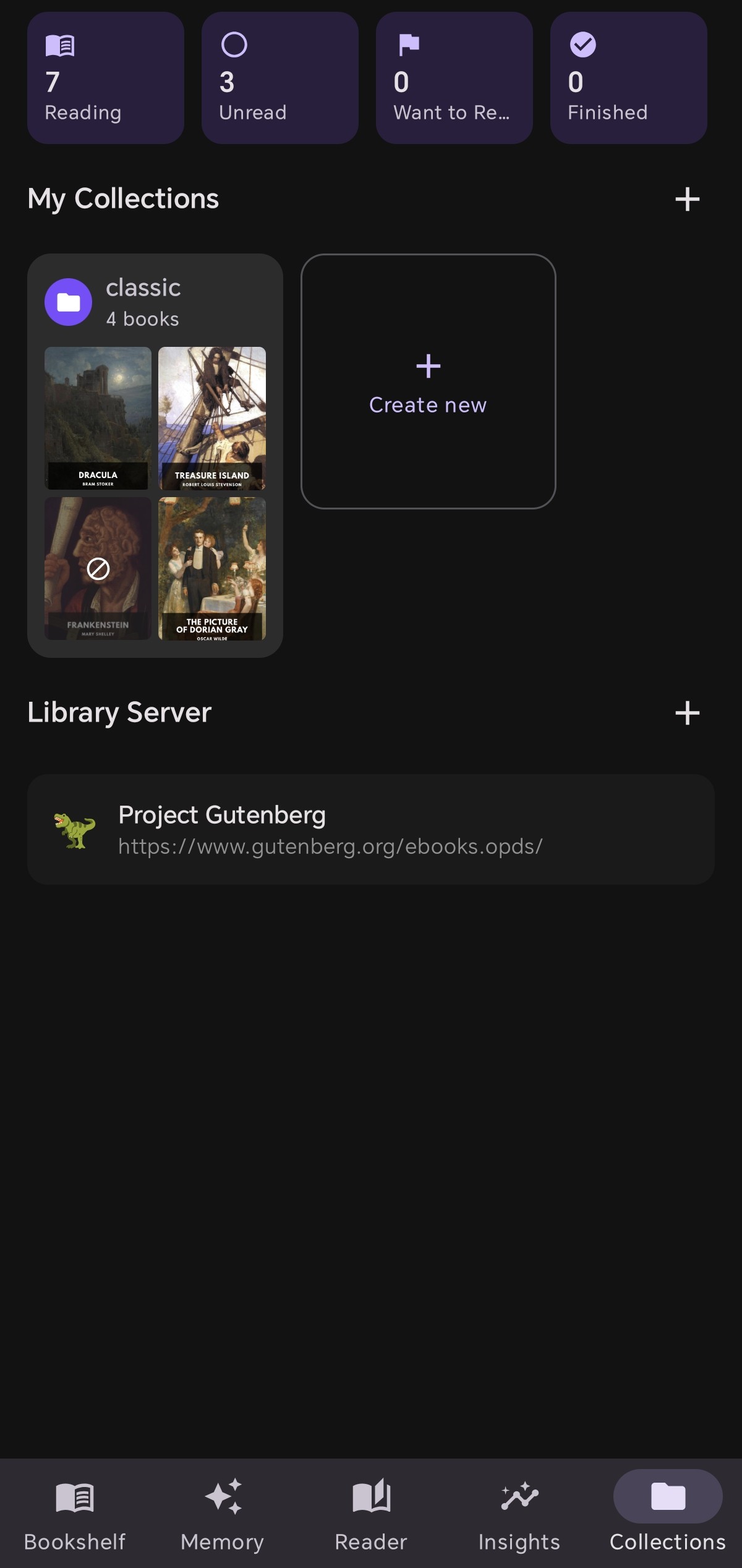
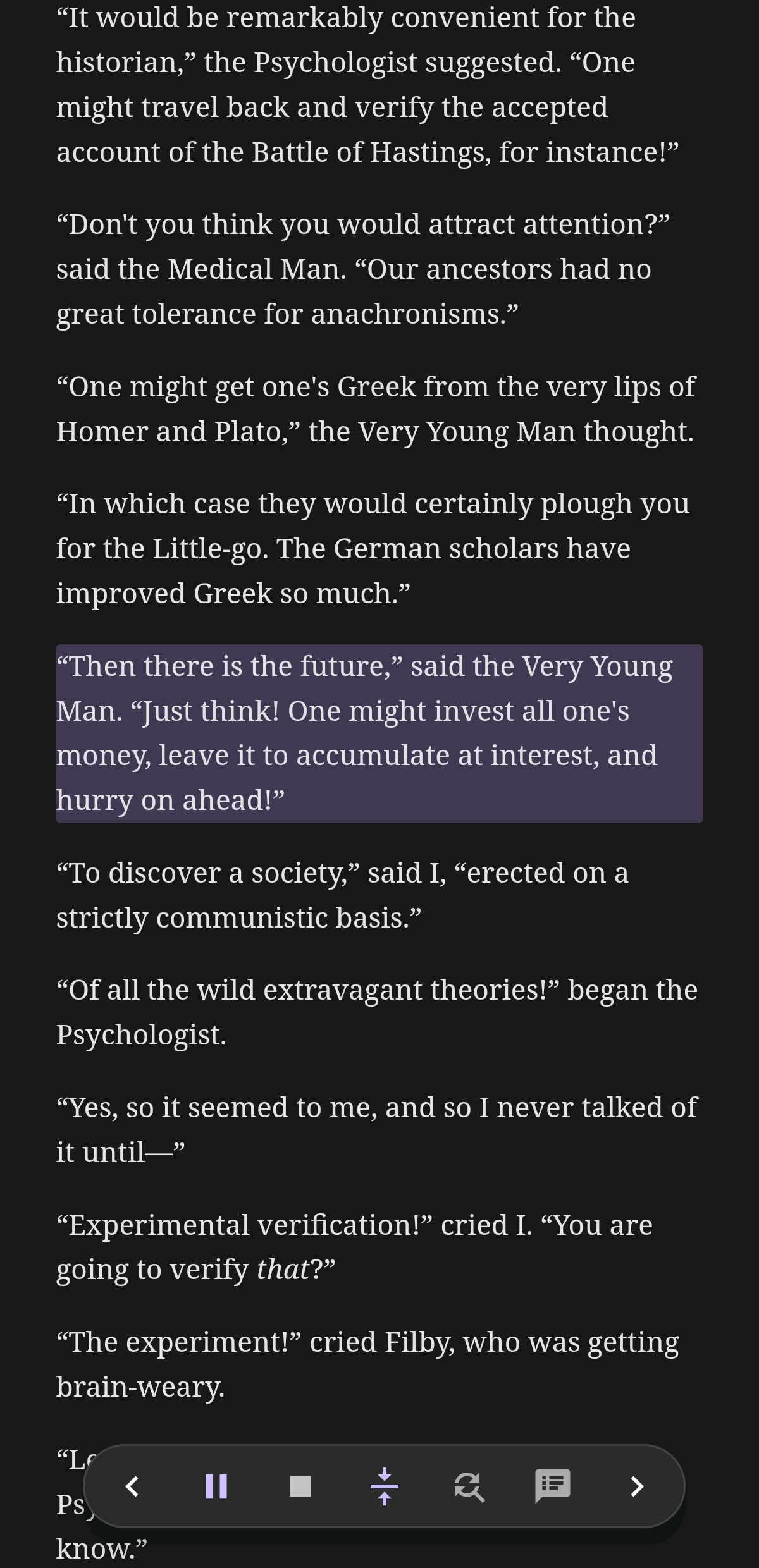
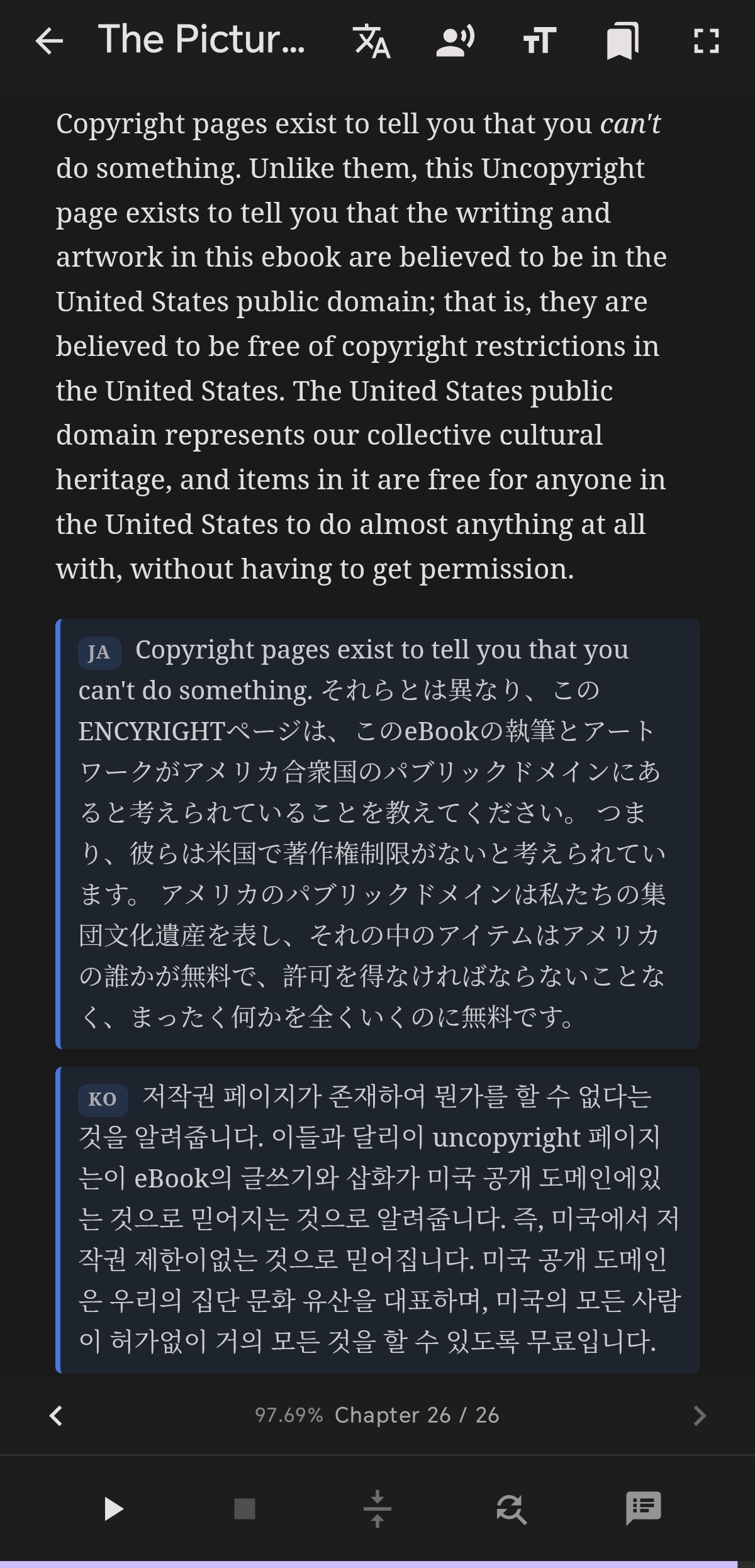
Real screenshots of Shiori EPUB Reader on Android showing its clean, premium, and minimalist layout.
Shiori bridges passive reading and active learning. With automatic multi-language Text-to-Speech, instant in-app translation, customizable word replacement rules, and smart AI tools, every book becomes a portal to deeper understanding.
Books may come and go, but your knowledge shouldn't.
Shiori preserves everything you create while reading, even if the original book is removed from your device, returned to a library, or no longer available.
This means you can always revisit the ideas, insights, and knowledge you've collected without needing the original book.
Borrowed books eventually expire or must be returned. Normally, that also means losing access to your reading context. With Shiori, your personal notes and AI-generated insights remain available even after the borrowed book is gone. You keep your learning, not just your reading progress.
Shiori stores your reading data, not the book itself. Even if you delete a book to save storage or remove it after finishing, your personal knowledge base remains intact—ready whenever you need to review an idea, remember an important quote, or revisit an AI summary.
We carefully designed and built these features to maximize your reading productivity.
Manage your EPUB collection with 3 view modes (Thumbnail, List, Detail). Tracks reading progress automatically.
Infinite scroll navigation with a searchable chapter list. Resumes to the exact paragraph — even where TTS left off.
Highlight text in multiple colors, attach notes, and bookmark paragraphs with faint visual outlines.
Floating TTS overlay works over any app. Pinch to resize, snap to edge, and listen on the go.
Modify words before TTS playback. Supports 5,000+ entries and regular expressions to fix pronunciation.
Tap any word to translate (Google Translate popup), copy, start TTS from selection, or add to rules instantly.
Auto-detects Thai, English, Chinese, Japanese, Korean, and German script within the same paragraph and switches voices seamlessly. Tune speed, pitch, and voice per language. Works offline with your device's native TTS engine.
Features built to give you ultimate control over your reading experience.
Precise playback control with smart multi-language automatic voice switching.
Fix pronunciation issues or visual layouts independently with advanced rule configuration.
Keep listening in the background or when screen is off, with interactive floating controls.
Overcome rendering issues and custom styles embedded in book files.
Optional cloud sync. Save library books, reading progress, and text replacement lists directly to your private Google Drive. 100% secure: we have no database server and cannot access your data.
Discover how to customize Shiori, setup library servers, and get the most out of your reading experience.
Discover how tracking reading velocity, total time spent, and sharing beautiful milestone cards in Shiori builds consistent reading habits.
Read Full Article ➔Learn how to wirelessly transfer EPUB ebooks from Calibre on your computer to Shiori EPUB Reader on Android over local Wi-Fi without USB cables.
Read Full Article ➔Discover how Shiori EPUB Reader's Infinite Scroll feature transforms ebook reading into one smooth, continuous, distraction-free document experience.
Read Full Article ➔Learn how Shiori's Book Timeline and Insights feature lets you track reading velocity, time spent, and visual progress curves for every book.
Read Full Article ➔Explore the complete breakdown of Shiori EPUB Reader's features, from multi-language TTS and AI translation to smart PDFs, CBZ OCR, and Google Drive cloud sync.
Read Full Article ➔Learn how to use Shiori's advanced multi-language translation panel to translate paragraphs into multiple target languages at once.
Read Full Article ➔Personalize your reading experience by importing your favorite font files and assigning custom typography settings for different languages.
Read Full Article ➔Stream your digital library and sync your reading progress seamlessly by connecting Shiori EPUB Reader to your self-hosted Kavita server.
Read Full Article ➔Watch our step-by-step video tutorials to master Shiori's advanced features and speech options.
Download Shiori EPUB Reader for free on Google Play Store.